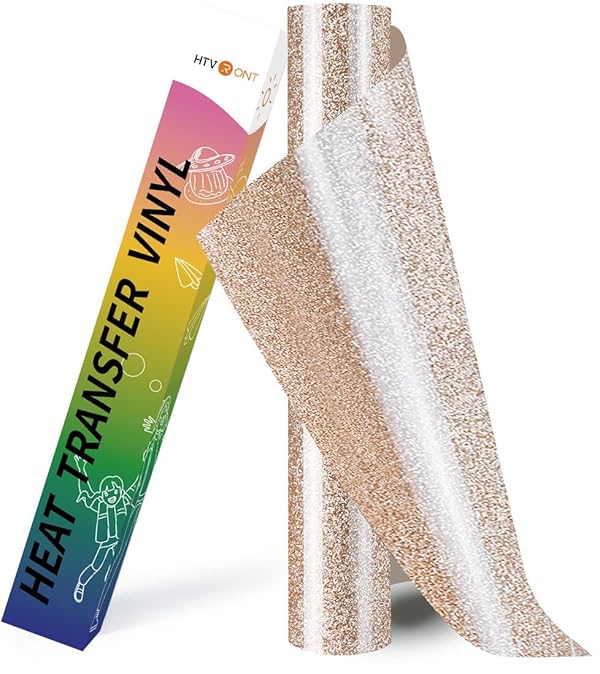
HTVRONT Iron on Transfer Paper for Light T Shirts -20 Pack 11x17" Heat Transfer Paper for Inkjet Printer, Easy to Use Printable Heat Transfer Vinyl, Vibrant Color, Durable & Soft
Brand: HTVRONT
Description
How to use heat transfer paper with a heat press:
[1] Print the image on the front side of the iron on transfer paper (the smooth and soft side is the front side). After printing, let the paper dry.
[2] Cut the transfer paper for t shirts into the shape you want, being careful not to miss the white edges.
[3] Pre-heat the heat press to flatten the fabric.
[4] Peel off the backing side and place the printed image face up on the flat fabric and cover the image with parchment paper fully.
[5] Heat transfer the image with 329°F ~ 338°F for 15 seconds.
[6] After finishing ironing, remove the parchment paper without cooling.
How to use printable heat transfer vinyl with a household iron:
[1] Print the image on the front side of the heat transfer paper for t shirts (the smooth and soft side is the front). After printing, allow the paper to dry.
[2] Cut the iron on transfer paper for t shirts into the shape you want, being careful not to leave a white border.
[3] Make sure your iron is free of water and the steam setting is off; then set the iron to the high or cotton setting to flatten the fabric.
[4] Peel off the backing side and place the printed image face up on the flat fabric, covering the image with parchment paper.
[5] Iron the image evenly with firm pressure for about 2-3 minutes. (Each corner needs to be evenly stressed)
[6] After ironing is completed, remove the parchment paper after cooling.
Sold by
Amazon Warehouse
Official Amazon outlet for open-box & returned items
- Backed by Amazon's A-to-Z Guarantee
- 30-day return policy
- Ships from Amazon fulfillment centers
- Price verified on Amazon
Product Details
- SKU:
- awhd-us-b0cn66qwdf
- Model:
- SG-RZYZ-0034
- Country:
- US
- ASIN:
- B0CN66QWDF
Shopping Smarter
Common questions about buying open-box and refurbished.